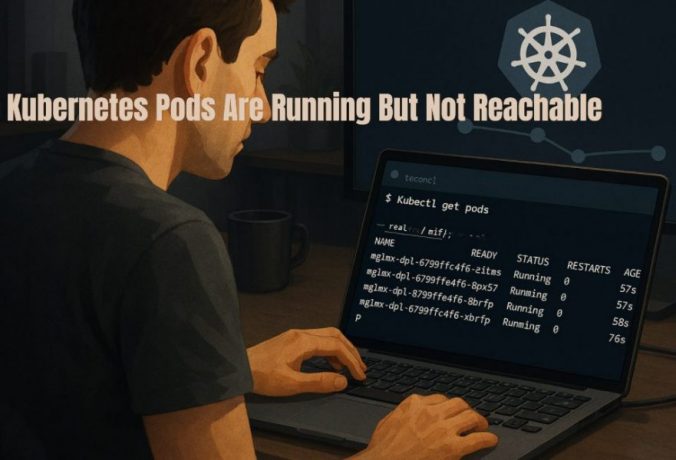
The Problem
I deployed an app on Kubernetes, and everything looked fine.
- Pods were in Running state
- No restarts
- No obvious errors
But when I tried to access the app, nothing worked.
- Requests timed out
- Curl just hung
- No response at all
At first, it looked like a networking issue.
What Looked Correct But Was Not
At a glance:
- Pods were running
- Containers were up
- Ports were defined
But the application was not reachable.
This is where it gets confusing.
Kubernetes shows Pods as Running, but that does not mean they are ready to receive traffic.
In my case, I assumed the app was working because the Pods were not crashing, but that turned out to be wrong.
This turned out to be a simple issue, but it is easy to miss because Kubernetes does not surface it clearly.
What Is Not Obvious
A Pod being in Running state only means the container is running.
It does not mean:
- The application inside is ready
- The port is actually listening
- Traffic can reach it
Kubernetes only routes traffic to Pods that are Ready, not just Running.
That is why Pods can look fine while requests still fail.
If your Service has no endpoints, it will not route traffic at all. In that case, check why your Kubernetes Service has no endpoints before debugging anything else.
Example of the Issue
Here is what I saw:
kubectl get pods
Output:
NAME READY STATUS RESTARTS AGE
my-app 0/1 Running 0 2m
Key detail:
READY shows zero out of one, which means the Pod is not ready to receive traffic.
What Actually Fixed It
The issue was a failing readiness probe.
readinessProbe:
  httpGet:
    path: /health
    port: 3000
The problem was simple:
- The health endpoint did not exist
- Kubernetes kept marking the Pod as not ready
After fixing it:
readinessProbe:
  httpGet:
    path: /
    port: 3000
Now:
kubectl get pods
NAME        READY   STATUS    RESTARTS   AGE
my-app-xyz  1/1     Running   0          3m
Traffic started working immediately.
In my case, I initially ignored readiness because the container was running, which was the wrong assumption.
How This Actually Works
Kubernetes separates Running and Ready states.
- Running means the container is up
- Ready means the Pod can receive traffic
Only Ready Pods are added to Service endpoints.
If a Pod is not Ready:
- It will not receive traffic
- Even if everything else looks correct
This is why Services may exist but still not route traffic.
How I Verified the Issue
These checks made it clear.
kubectl get pods
Look at the READY column.
kubectl describe pod my-app
Check readiness probe status.
kubectl get endpoints my-service
See if the Pod is included.
If the Pod is missing from endpoints, it is not ready.
Other Reasons Pods Are Not Reachable
Even if readiness is configured, other issues can cause the same problem.
Application Not Listening on the Expected Port
If your app is not listening on the port you expect, traffic will fail even if routing is correct.
Port Mismatch
If container port and Service target port do not match, requests go nowhere.
Slow Startup
If the app takes time to initialize, readiness may fail temporarily and block traffic.
Network Policies
Traffic may be blocked by cluster network rules.
Service Issues
Wrong selector or missing endpoints can also cause reachability issues.
Common Mistakes
- Assuming Running means working
- Ignoring the READY column
- Misconfigured readiness probes
- Wrong health check path
- Debugging networking too early
Most of the time, this is a readiness or configuration issue, not networking.
Assuming networking is broken when the Service is not connected to any Pods. This often happens when the Service has no endpoints.
When to Use This
Use this when:
- Pods are running but not responding
- Requests time out
- Service exists but traffic fails
- Ingress returns errors
Final Takeaway
A Pod being Running does not mean it is ready.
Most reachability issues come from readiness probes or configuration mismatches.
If your Pods are not reachable, check readiness before anything else.
