
Last updated on November 11th, 2024 at 10:53 am
This code sets up a countdown to December 25 of the current year and dynamically displays the remaining time in a formatted layout (days, hours, minutes, seconds) within an element with the class time. It also displays the current year in an element with the ID year. Very good looking and elegant, easy to edit Christmas countdown webpage with css and download it for free.
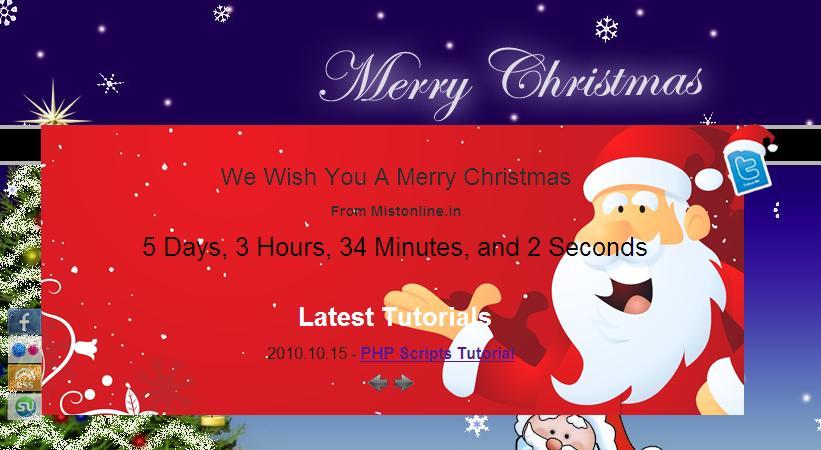
This jQuery code initializes a countdown timer that counts down to December 25th (presumably for an event like Christmas). Let’s break down each part
This jQuery code sets up a countdown timer to Christmas Day of the current year. Here’s a breakdown:
$(function() { ... });– Runs the code inside once the document is ready.var austDay = new Date();– Creates a new Date object with the current date.austDay = new Date(austDay.getFullYear() + 0, 12 - 1, 25);– SetsaustDayto December 25 of the current year (the12 - 1accounts for months being zero-indexed).$('.time').countdown({until: austDay, layout: '{dn} {dl}, {hn} {hl}, {mn} {ml}, and {sn} {sl}'});– Uses the jQuerycountdownplugin on elements with thetimeclass, showing days, hours, minutes, and seconds left.$('#year').text(austDay.getFullYear());– Updates the element withid="year"to display the current year.
